

A lapel microphone is a small wearable mic that captures clear speech close to the speaker’s mouth.
If you watch interviews, online courses, news reports, or social videos, you have likely seen one in use. Learning what is a lapel microphone helps you choose the right audio tool, place it correctly, and avoid common sound problems. This guide explains how lapel microphones work, where to use them, their benefits, limits, and the features that matter most.
What Is a Lapel Microphone?
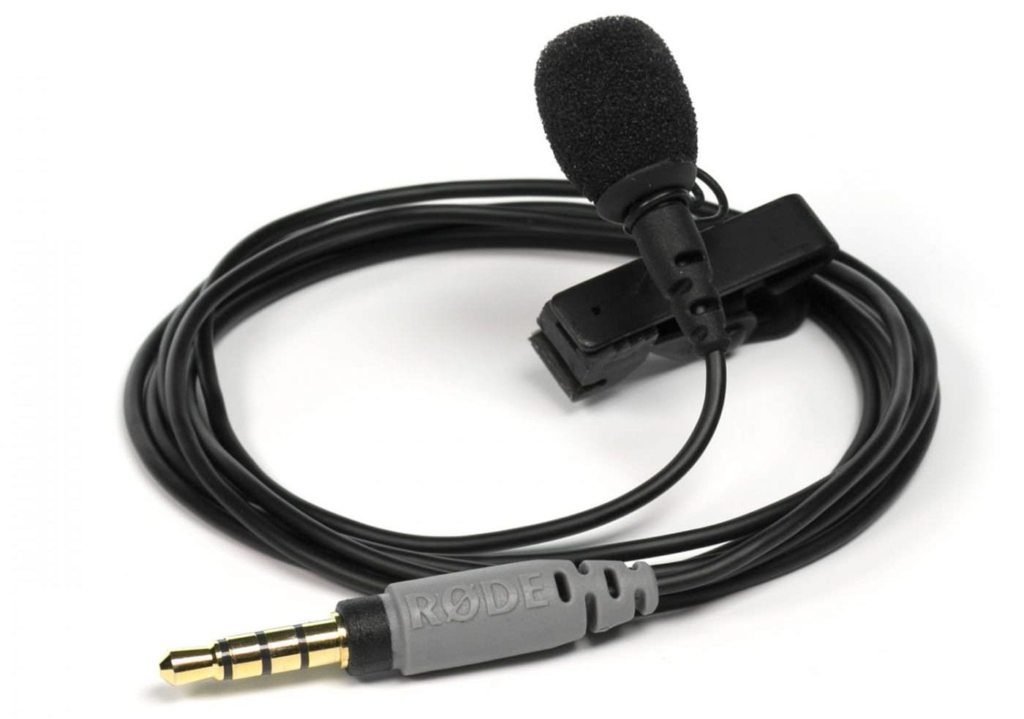
A lapel microphone is a small microphone that clips to a person’s clothing. It is also called a lavalier microphone, lav mic, clip-on microphone, or body microphone. Its small size lets the speaker move freely while keeping the microphone near the mouth.
Unlike a handheld microphone, a lapel microphone does not require the speaker to hold anything. Unlike a large studio microphone, it stays discreet and works well outside a controlled recording room.
Most lapel microphones use an omnidirectional pickup pattern. This means they collect sound from many directions. Some models use a directional pattern to focus more tightly on the speaker’s voice and reduce sound from the sides.
A typical lapel microphone system includes:
• A small microphone capsule
• A clip for attaching the mic to clothing
• A cable or wireless transmitter
• A receiver, audio recorder, camera, phone, or computer connection
• A windscreen or foam cover
The microphone converts sound waves into an electrical signal. That signal travels through a cable or wireless link to a recording device. Because the mic sits close to the speaker, it can capture speech clearly even when the camera is several feet away.
How Does a Lapel Microphone Work?
To understand what is a lapel microphone, it helps to understand its basic audio path. The microphone capsule detects changes in air pressure caused by speech. It then turns those changes into an audio signal.
In a wired model, the signal travels through the microphone cable to a camera, phone, recorder, or audio interface. In a wireless model, the microphone connects to a small bodypack transmitter. The transmitter sends the signal to a receiver connected to the recording device.
The close placement is the key advantage. Sound becomes weaker as the distance from the source increases. A lapel mic placed about six to eight inches below the mouth usually records a stronger voice than a camera microphone placed several feet away.
However, close placement does not solve every audio problem. Clothing noise, wind, poor gain settings, and wireless interference can still damage a recording. Good placement and a short sound test are just as important as the microphone itself.
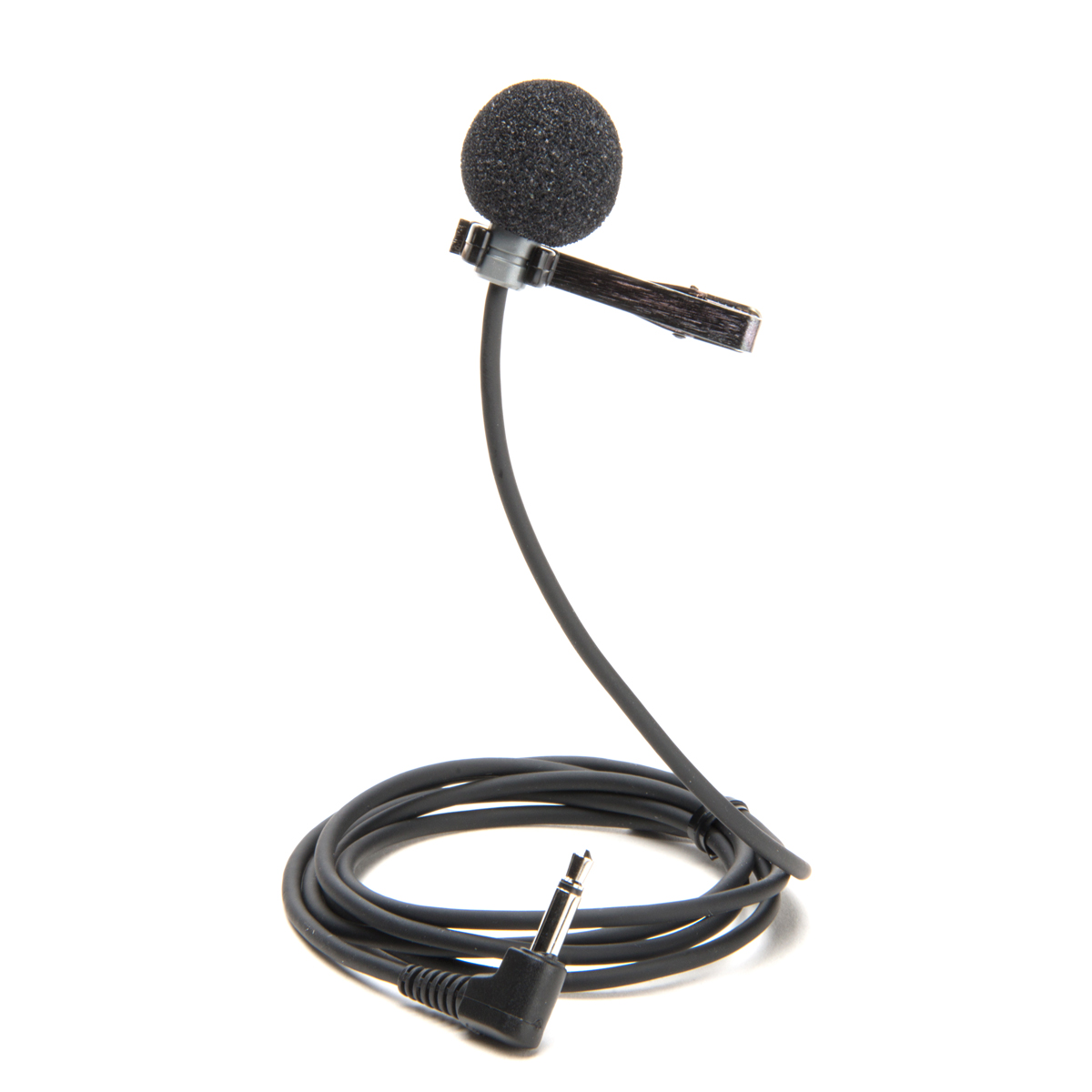
Wired lapel microphones
Wired lapel microphones are simple and often affordable. They do not need a wireless transmitter or receiver, so there are fewer parts to charge or troubleshoot.
They work well for:
• Video calls
• Podcasts
• Classroom recordings
• Smartphone videos
• Presentations
• Interviews in quiet rooms
Their main weakness is the cable. It can restrict movement or create rubbing noise if it hangs loosely against clothing.
Wireless lapel microphones
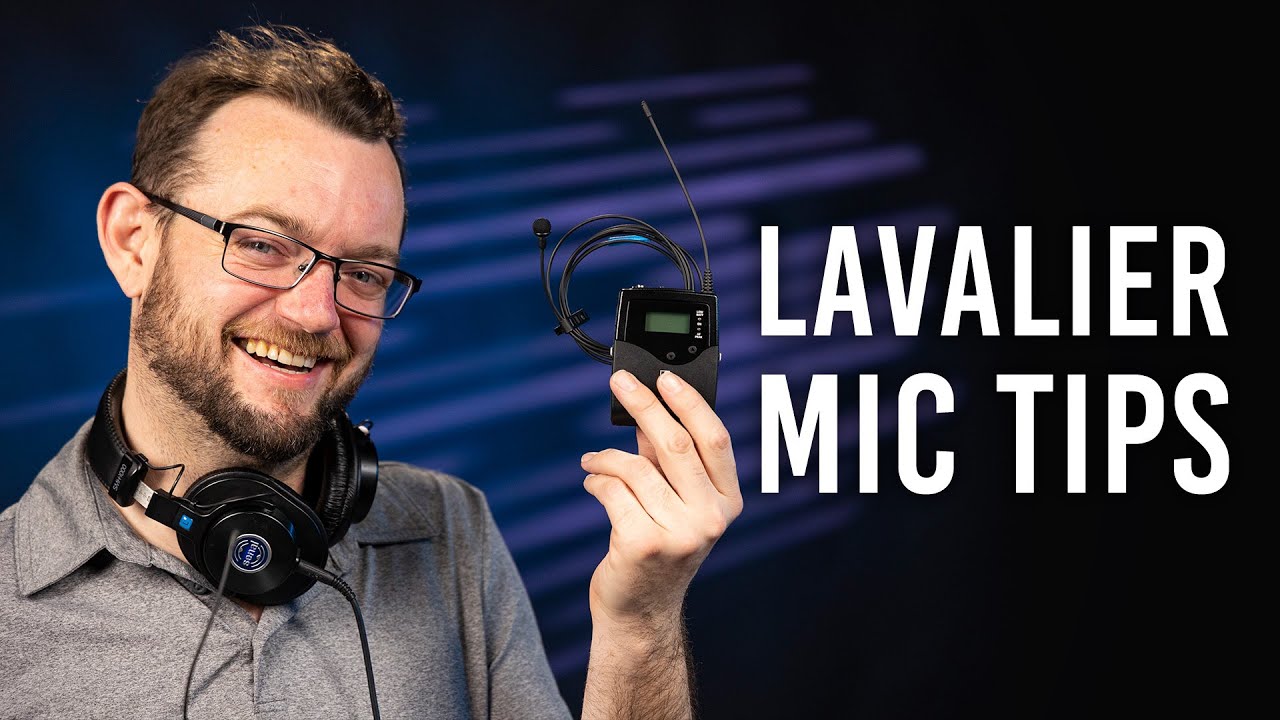
Wireless lapel microphones give the speaker more freedom. A transmitter clips to the clothing, while a receiver connects to the camera, phone, or recorder.
Modern wireless systems may use digital transmission, automatic pairing, internal recording, or noise reduction. These features are useful for creators who film outdoors or move during a presentation.
Wireless systems also bring more risks. Battery failure, radio interference, connection drops, and compatibility issues can interrupt a recording. Always test the system before an important shoot.

Where Are Lapel Microphones Used?
A lapel microphone works in many settings because it keeps the speaker’s hands free. It is especially useful when the camera stays in one place while the person moves or speaks naturally.
Common uses include:
• Interviews for television, websites, and documentaries
• YouTube videos and short-form social media content
• Online classes and training videos
• Corporate presentations and webinars
• Wedding speeches and event coverage
• Theater, public speaking, and live performances
• Video calls and remote meetings
• News reporting and field interviews
• Fitness instruction and cooking demonstrations
For example, a teacher can walk across a classroom while keeping a steady voice level. A real estate agent can show a home without holding a microphone. A chef can explain a recipe while using both hands.
In my own microphone tests, the biggest improvement usually came from distance, not price. A basic lav mic placed correctly often sounded more natural than an expensive camera microphone positioned too far away.

What Are the Benefits of a Lapel Microphone?
Understanding the benefits of what is a lapel microphone can help you decide whether it fits your work. Its design solves several common recording problems.
Clearer speech
A lapel mic sits close to the speaker’s mouth. This normally creates a stronger voice signal and makes speech easier to understand.
Clear speech matters more than loud speech. Viewers may tolerate a simple video, but they often leave when the audio is distant, echoing, or hard to follow.
Hands-free recording
The speaker can gesture, hold products, write on a board, or demonstrate a task. This makes the microphone useful for teachers, presenters, performers, and content creators.
Consistent volume
A camera microphone may sound quiet when the speaker turns away. A lapel microphone stays near the body, so the volume often remains more stable during movement.
Small and discreet design
Most lapel microphones are easy to hide or make barely noticeable. This helps interviews and presentations feel more natural.
Easy setup
Many wired models work as soon as they are plugged in. Some wireless systems pair automatically, which can make setup fast for beginners.
Better mobility
A lapel microphone allows a speaker to walk, turn, and interact without losing as much audio quality. This is one reason television crews and event videographers use lavalier microphones so often.
What Are the Limitations of a Lapel Microphone?
A lapel microphone is useful, but it is not perfect. Knowing its limits helps you prevent poor audio before recording.
Clothing noise
Fabric can rub against the microphone or cable. This creates crackles, thumps, and scratchy sounds that are difficult to remove later.
Avoid placing the capsule directly under a collar that moves often. Use a small piece of tape or a clip to keep the cable secure.
Wind noise
Outdoor air can overload a small microphone capsule. A foam windscreen helps indoors, while a furry wind cover is often better outside.
A windscreen cannot solve strong wind on its own. Try to stand near a wall, use a larger wind cover, or move the microphone under a layer of clothing when appropriate.
Wireless interference
Wireless microphones can lose signal in crowded radio environments. Wi-Fi networks, other wireless systems, and physical obstacles may affect performance, depending on the system.
Keep the transmitter and receiver within their recommended range. Check the battery and watch the receiver for warning lights during a live event.
Battery dependence
Wireless models need charged batteries. A dead transmitter can stop a recording without much warning.
Carry spare batteries or a power bank when the system supports charging. For important interviews, recording a backup track is also wise.
Less natural distance
A lapel mic is close to the speaker’s chest, not directly in front of the mouth. This can create a slightly different tone from a handheld or studio microphone.
The sound may also change when the speaker turns their head or wears thick clothing. These changes are normal and can often be reduced through placement.
Connector problems
Not every microphone works with every device. A phone may use a TRRS connection, while a camera or recorder may use TRS. USB microphones use a different connection again.
Check the connector type before buying. A simple adapter may solve the issue, but some adapters do not convert the audio signal correctly.

How to Place a Lapel Microphone Correctly
Good placement is one of the most important parts of using what is a lapel microphone. A high-end mic can still sound poor when it is clipped in the wrong place.
Follow these steps:
- Place the microphone about six to eight inches below the speaker’s mouth.
- Clip it to a stable area, such as a shirt placket, jacket edge, tie, or blouse seam.
- Keep the capsule facing upward toward the mouth.
- Make sure clothing does not cover or brush against the capsule.
- Leave a small loop in the cable to reduce pulling.
- Secure loose cable under clothing with tape or a clip.
- Add a foam windscreen when recording outdoors or near moving air.
- Record a short test before the main session.
Avoid placing the microphone directly under the chin. The voice may sound dull, and the capsule may pick up more clothing movement.
Do not clip it too low on the chest. The voice will sound quieter, and the recording may contain more room noise. Do not place it directly against jewelry, zippers, or rough fabric.
For hidden placement, many professionals use medical tape, fabric tape, or a small mounting accessory. Test the method first because hiding the microphone can increase clothing noise.
Wired vs. Wireless Lapel Microphones
The choice between wired and wireless depends on movement, budget, and reliability needs.
| Feature | Wired lapel microphone | Wireless lapel microphone |
|---|---|---|
| Cost | Usually lower | Usually higher |
| Setup | Simple | Requires pairing and connection |
| Power | Often no battery | Requires batteries or charging |
| Movement | Limited by cable length | Flexible |
| Reliability | Very stable in most settings | Can face interference or dropouts |
| Best for | Quiet rooms and static setups | Events, interviews, and moving presenters |
Choose a wired lapel microphone if you want a low-cost setup with fewer points of failure. It is often the best choice for a desk, classroom, or indoor interview.
Choose a wireless lapel microphone if the speaker must move freely. For professional work, select a system with a strong range, clear battery display, secure connectors, and a backup recording option.
Some newer systems record audio inside the transmitter. This can protect the recording if the wireless signal fails. Still, internal recording is not a replacement for testing and monitoring.

How to Choose the Best Lapel Microphone
Before buying a lapel microphone, consider how and where you will use it.
Check device compatibility
Look at the input on your camera, phone, computer, or recorder. Common options include:
• 3.5-millimeter TRS
• 3.5-millimeter TRRS
• USB-C
• Lightning
• XLR through an adapter or wireless receiver
A microphone made for a phone may not connect directly to a camera. Read the product specifications carefully and use a proper adapter when needed.
Consider the pickup pattern
An omnidirectional microphone captures sound from many directions. It is forgiving when the speaker moves slightly.
A directional microphone can reduce some surrounding sound, but it may require more careful positioning. It can also sound quieter if the speaker moves away from its pickup area.
Review power needs
Some microphones receive power from the connected device. Others use a battery or a wireless transmitter.
Check battery life before recording. For wireless work, choose a model that provides enough operating time for the full session, with extra time for setup and retakes.
Look for useful accessories
Helpful accessories may include:
• Foam windscreens
• Furry wind covers
• Clothing mounts
• Carrying cases
• Replacement clips
• Cable adapters
• Charging cases
• Backup cables
A good windscreen and spare clip can be more useful than a small upgrade in microphone specifications.
Match the microphone to your environment
A low-cost wired lav mic may work well in a quiet office. Outdoor interviews, busy events, and professional productions may require a stronger wireless system with better shielding and backup options.
Do not buy based only on brand popularity or maximum technical specifications. Real-world reliability, compatibility, and ease of use matter more.

Common Mistakes to Avoid
Many poor recordings come from simple setup mistakes. The following habits can improve your results quickly.
• Clipping the microphone too far from the mouth
• Letting the cable hang loose against clothing
• Covering the capsule with a shirt or scarf
• Skipping the sound check
• Recording with the input gain too high
• Forgetting to charge a wireless transmitter
• Using the wrong phone or camera adapter
• Recording outdoors without wind protection
• Monitoring only through the camera speaker
• Failing to record a backup track
In my experience, the most damaging mistake is starting without a test recording. A 15-second test can reveal cable noise, weak volume, distortion, or a faulty connection before the interview begins.
Listen with headphones when possible. Phone and camera speakers often hide low-level noise and distortion.
How to Improve Lapel Microphone Sound
Start with the room. A quiet room with soft furniture usually sounds better than a large, empty room with hard walls. Curtains, carpets, and bookcases can reduce harsh reflections.
Set the recording level so normal speech is strong but not distorted. Digital audio meters should leave headroom for loud words, laughter, and sudden sounds.
Keep the microphone stable. If the speaker wears a jacket, attach the mic to a firm area instead of loose fabric. If the speaker wears a necklace, move the mic away from it to prevent clicking.
For outdoor work, use wind protection and monitor the audio. Wind can appear suddenly, even on a calm day. A short test with the speaker walking and turning can expose problems that a stationary test misses.
Post-production tools can reduce steady background noise, but they cannot always repair severe rubbing or clipping. Clean recording at the source remains the best approach.
Frequently Asked Questions About What Is a Lapel Microphone
What is a lapel microphone used for?
A lapel microphone is used to record clear speech while keeping the speaker’s hands free. It is common in interviews, online videos, presentations, classes, news reports, and live events.
Is a lapel microphone better than a camera microphone?
A lapel microphone often captures clearer speech because it sits closer to the speaker’s mouth. A camera microphone may be better for recording room sound, group discussions, or a wider natural atmosphere.
Can I use a lapel microphone with my phone?
Yes, many lapel microphones work with smartphones. You may need a TRRS adapter, USB-C adapter, or Lightning adapter, depending on your phone and microphone connection.
Are lapel microphones wireless?
Some lapel microphones are wireless, while others use a cable. Wireless models offer more freedom of movement, but wired models usually cost less and have fewer battery or connection problems.
Where should I clip a lapel microphone?
Clip the microphone about six to eight inches below the mouth on a stable part of the clothing. Keep it away from jewelry, rough fabric, zippers, and areas that rub during movement.
Why does my lapel microphone sound muffled?
A lapel microphone may sound muffled when it is covered by clothing, placed too low, or pointed away from the mouth. Move it higher, keep the capsule clear, and test the recording with headphones.
Conclusion
A lapel microphone is a small, wearable microphone designed to capture clear speech while the speaker moves freely. Its close position improves voice clarity, keeps volume more consistent, and supports hands-free recording.
The best results come from more than buying the right model. Use a compatible connection, place the microphone carefully, protect it from wind, control clothing noise, and complete a sound check before recording.
Whether you make videos, teach online, host interviews, or speak at events, a lapel microphone can make your audio sound more professional with very little effort. Test one in your usual recording space, compare the results, and explore more audio tips to keep improving your work.