

Introduction
A homemade microphone windscreen can reduce breath noise, light wind, and harsh bursts of air without costing much. In the United States, this is useful for podcasting, school videos, interviews, church recordings, outdoor events, and home studios.
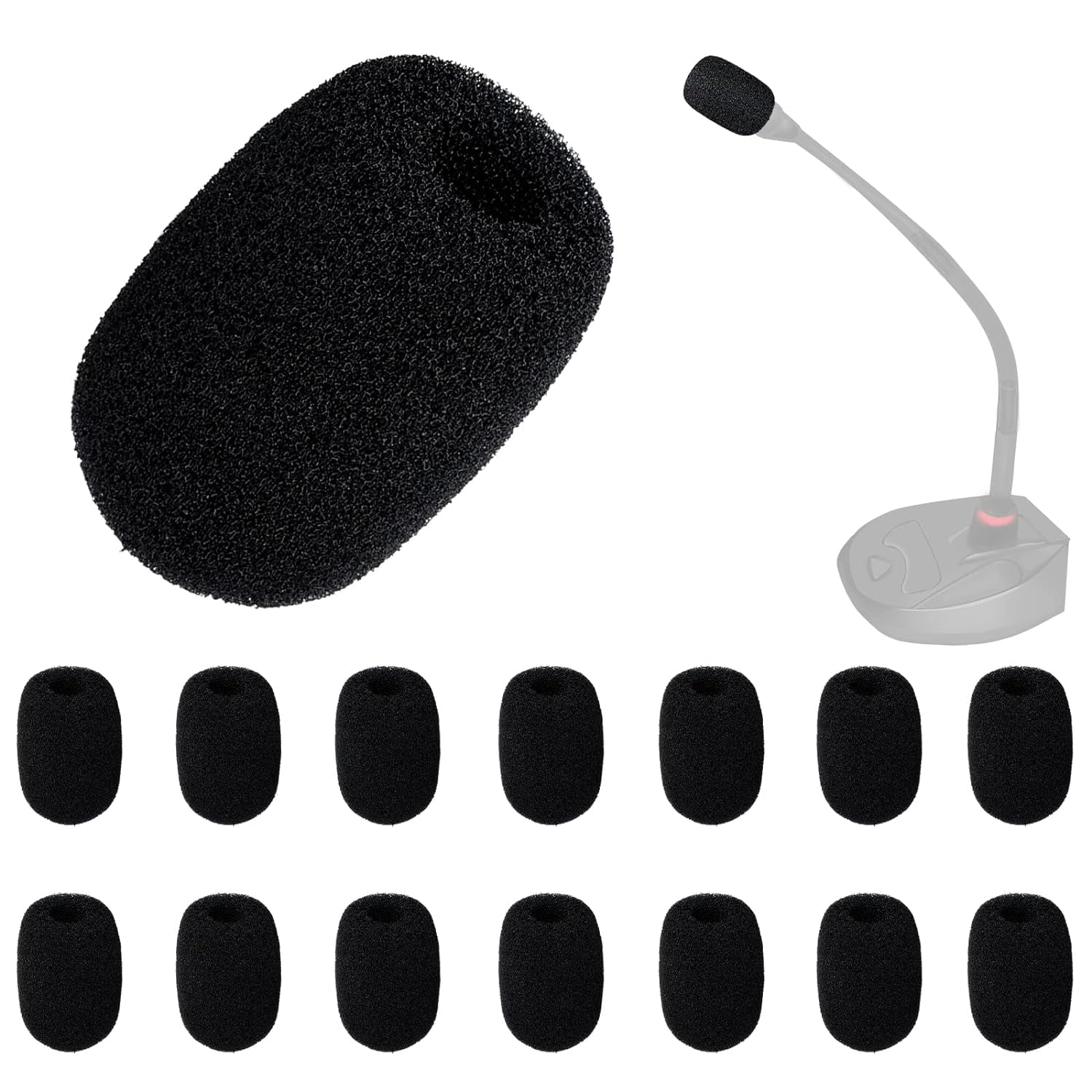
The simplest method is to cut a small piece of open-cell foam, make a hole in the center, and slide it over the microphone head. The foam must fit firmly but should not press against the mic grille or block important openings.
What a Microphone Windscreen Does
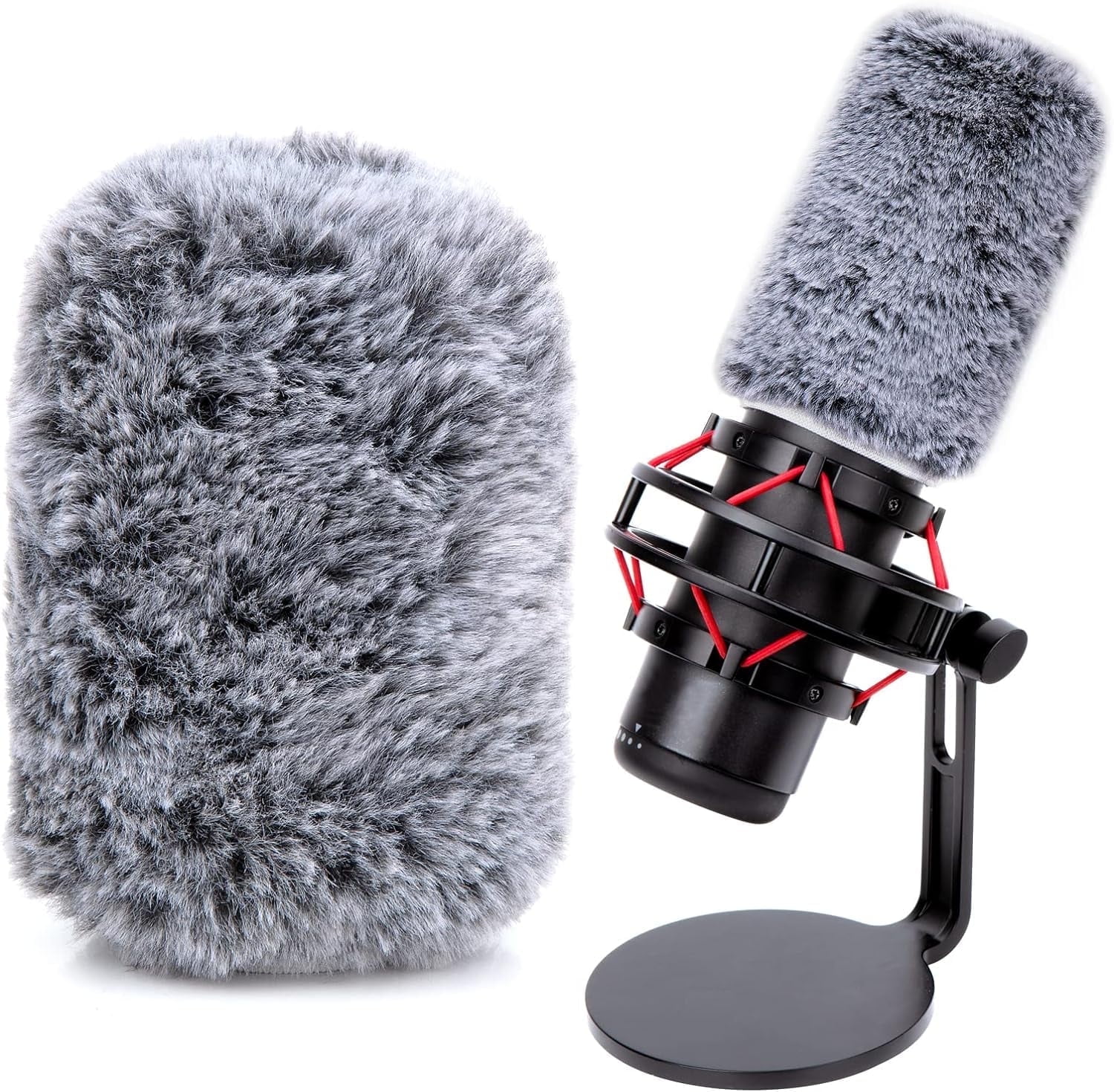
A microphone windscreen is a soft cover that slows fast air before it reaches the microphone capsule. It helps reduce wind rumble and “plosive” sounds caused by letters such as P, B, and T.
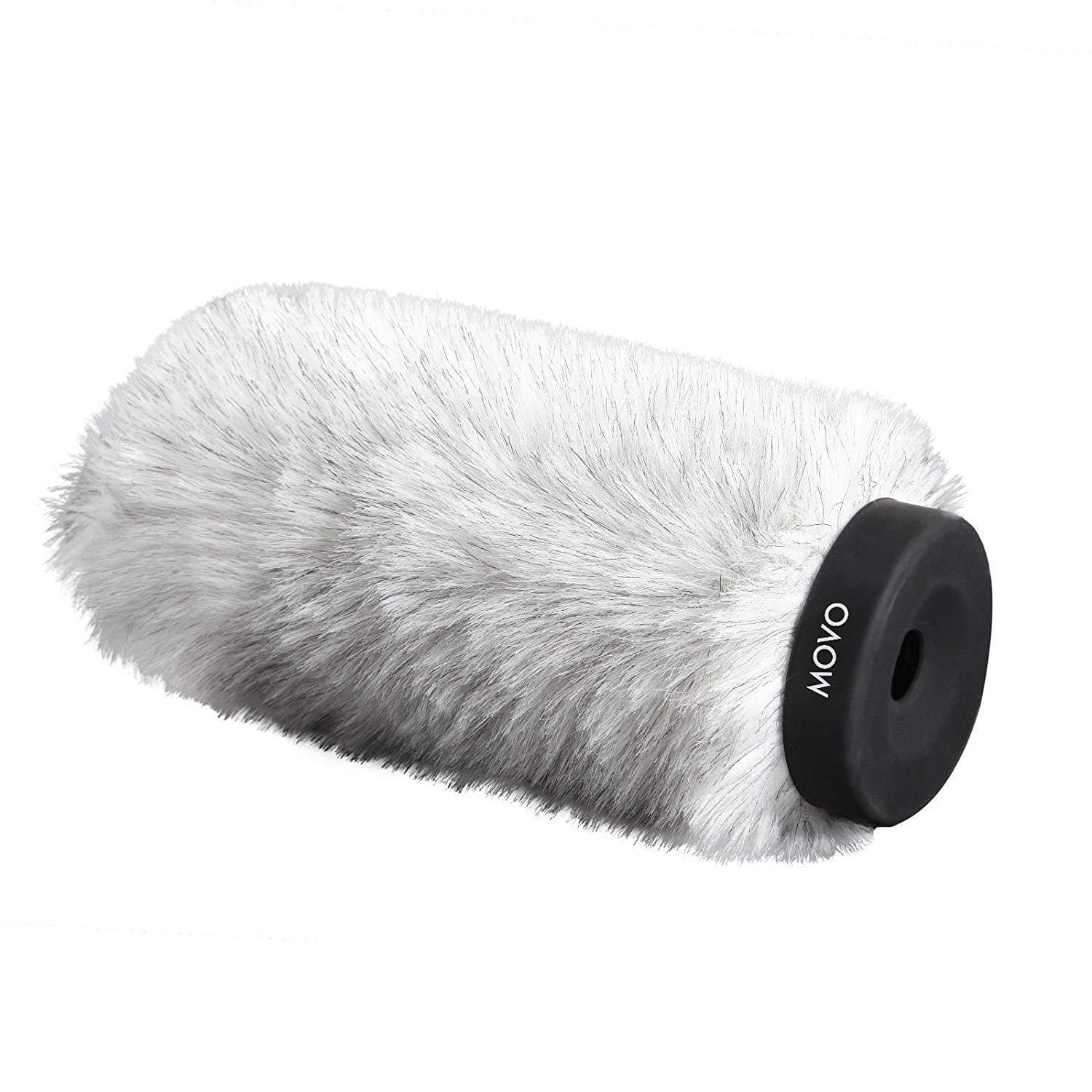
A windscreen is not the same as a pop filter:
- Windscreen: Fits over or around the microphone. It helps with light wind, breath, and close speech.
- Pop filter: Sits a few inches in front of a studio microphone. It mainly reduces plosives.
- Furry wind cover: Uses synthetic fur over foam. It works better outdoors in moving air.
- Shock mount: Holds the microphone and reduces handling vibration. It does not stop wind.
A foam windscreen works best in calm indoor spaces and on lightly breezy days. It will not fully protect a microphone in strong wind. For outdoor film work, a larger blimp-style windshield or a furry cover is usually more effective.
Materials You Need
You can make a basic mic windscreen with common craft supplies.
Basic materials
- Open-cell acoustic foam
- A sharp craft knife or small scissors
- A ruler
- A pen or marker
- A small round object for tracing
- A clean work surface
The foam should be soft and springy. Packing foam, dense rubber foam, and closed-cell camping foam are poor choices because they do not allow sound to pass through as well.
Good foam options include:
- Acoustic foam
- Open-cell upholstery foam
- Clean foam from an old microphone cover
- Soft makeup sponge material for very small microphones
Use clean material. Dust, loose fibers, and dirt can enter the microphone grille.
Optional materials
You may also need:
- A wooden skewer or thin dowel
- A small drill bit used by hand
- A rubber band
- A fabric sleeve
- A small amount of water-based fabric adhesive
- A flashlight
Avoid glue near the microphone. Even a small amount of adhesive can damage the grille or enter the capsule.
How to Make a Foam Windscreen for a Microphone
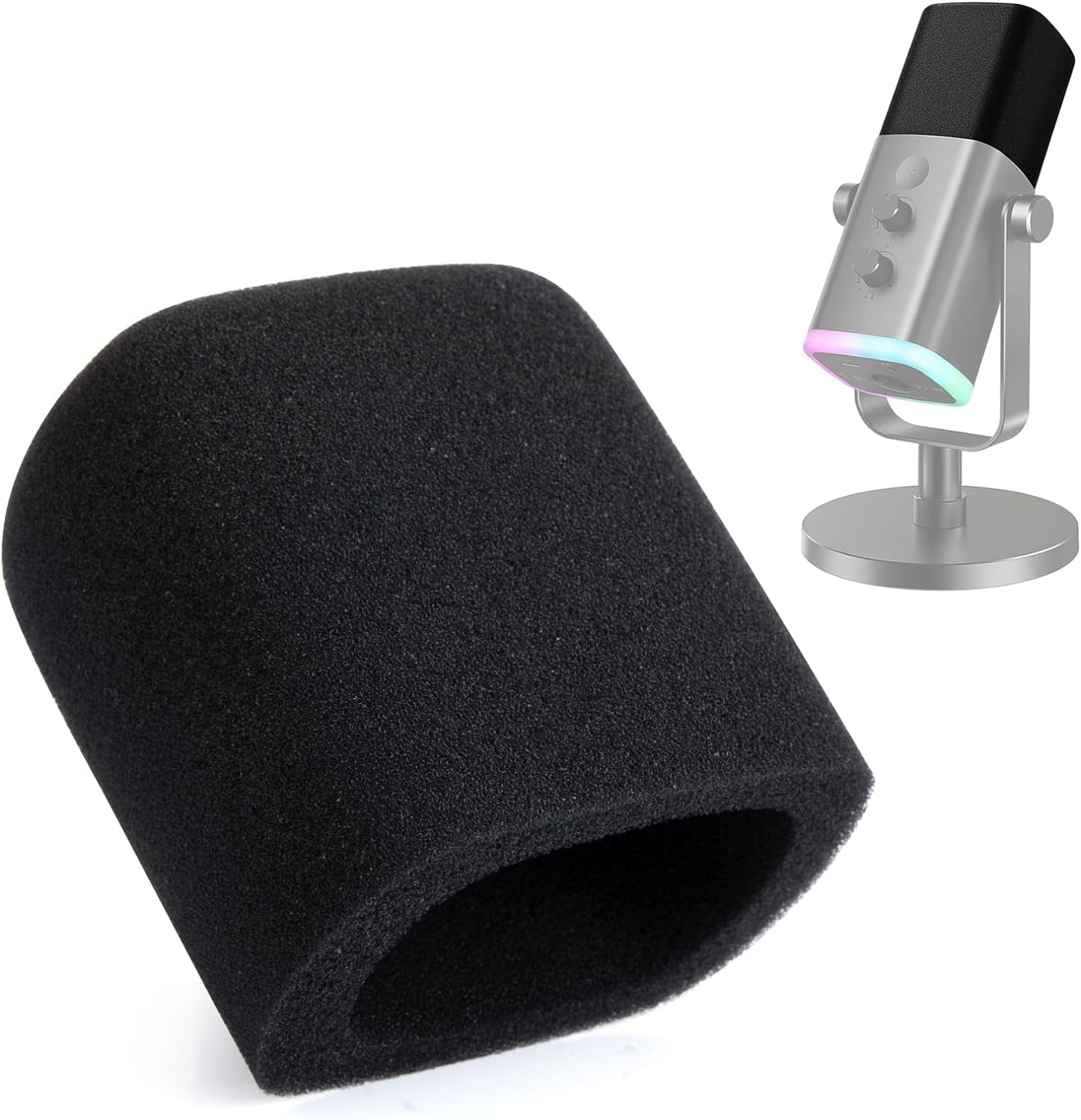
The most reliable design is a foam sleeve with a narrow center hole. The hole should be slightly smaller than the microphone head so the foam stays in place.
1. Measure the microphone
Measure the widest part of the microphone head.
For a handheld microphone, measure the grille. For a lavalier microphone, measure the capsule. For a headset mic, measure the small mic head rather than the boom arm.
Record these measurements:
- Microphone width
- Microphone head length
- Cable or boom position
- Any vents or openings that must remain clear
If the microphone head is 1 inch wide, make the inside hole about ⅛ inch smaller. Foam can stretch, so a tight fit is better than a loose fit.
2. Mark the foam
cut a foam piece that is larger than the microphone head.
As a starting point, add:
- About ½ inch of foam around the sides
- About ½ to 1 inch beyond the front of the microphone
- Enough length for the foam to grip the handle, mount, or capsule
For example, if the mic head is 1 inch wide and 2 inches long, start with a foam block about 2 inches wide and 3 inches long.
The exact size is not critical. A slightly larger cover can work well if it stays secure and does not touch the microphone grille.
3. Cut the outer shape
Use a sharp knife or scissors to round the foam edges. A rounded front makes the cover easier to fit and reduces large gaps.
Cut slowly. Rough cuts can leave thin flakes that may fall into the microphone.
For a handheld mic, a rounded cylinder works well. For a lavalier mic, a small cube or short oval is often easier to make.
4. Create the center hole
Mark the center of the foam. Make a small hole with a wooden skewer, pencil, or narrow tool.
Push the tool through the foam in a straight line. Turn it as you work instead of tearing the foam. The hole should be just large enough to accept the microphone head.
Do not use a large drill at high speed. Heat and friction can melt or tear the foam.
5. Test the fit
Slide the foam over the microphone.
The windscreen should:
- Stay in place when the microphone is gently moved
- Cover the microphone grille without crushing it
- Leave cable connections and vents clear
- Make no rattling sound
- Avoid pressing hard on the capsule
If the foam slips off, make the hole smaller or add a thin rubber band around the rear edge. If the foam is hard to install, enlarge the hole slightly.
6. Check the recording
Record the same sentence with and without the windscreen. Use a steady voice and keep the microphone in the same place.
Listen for:
- Less breath noise
- Fewer harsh “P” sounds
- Less wind rumble
- Lower overall volume
- Dull or muffled speech
A small loss of high-frequency detail can occur with thick or dense foam. If speech sounds dull, use thinner foam or make the cover shorter.
How to Make a Windscreen for Different Microphones
The best design depends on the microphone type. A cover that works on a handheld mic may be too heavy or too large for a lavalier.
| Microphone type | Recommended DIY design | Main concern |
|---|---|---|
| Handheld dynamic mic | Rounded foam sleeve | Keep the grille uncovered enough for clear speech |
| Small condenser mic | Thin foam cap | Do not press on the capsule |
| Lavalier mic | Small foam cube or ball | Avoid covering the clip or cable |
| Headset mic | Small foam tube | Keep the boom and capsule stable |
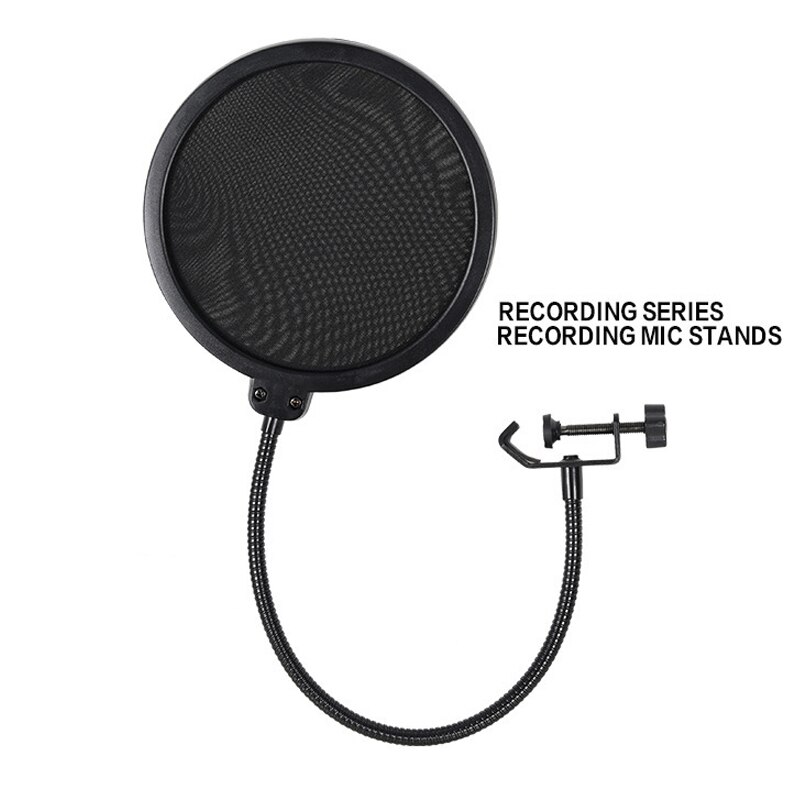
| USB desktop mic | Foam cover around the top or front | Do not block buttons, ports, or vents |
| Shotgun mic | Long foam tube or furry cover | Foam alone may not handle outdoor wind |
| Camera mic | Short foam sleeve | Check that it does not block the camera mount |
Handheld microphones
A handheld microphone usually needs a larger foam cover. Make the rear opening narrow enough to grip the grille or upper handle.
Do not wrap the entire handle unless the microphone design allows it. Some microphones use openings in the handle for sound or pressure relief.
Lavalier microphones
A lavalier windscreen should be light. A large foam cover can pull on the cable and make clothing noise worse.
Cut a small cube or rounded cap. Make a short tunnel through the center. The foam should cover the capsule but should not press hard against it.
Headset microphones
A headset mic moves with the speaker. The windscreen must fit tightly enough to stay in place during head movement.
Use a short piece of thin foam. If needed, secure it with a tiny amount of thread or a very small elastic loop. Keep the loop away from the sound opening.
USB microphones
USB microphones vary widely. Check the manual before covering the grille.
Some desktop microphones have front, side, or rear sound openings. A full foam cover may reduce sound from the wrong direction or block controls. A small front-facing cover may be better than a full sleeve.

How Thick Should the Foam Be?
Start with foam about ½ to 1 inch thick around the microphone. Use thinner foam for small indoor microphones and thicker foam for outdoor use.
Foam thickness changes the trade-off between protection and sound quality:
| Foam design | Benefit | Limitation |
|---|---|---|
| Thin foam | Clearer high frequencies | Less wind protection |
| Medium foam | Good indoor balance | Moderate protection outdoors |
| Thick foam | More air control | May make speech sound dull |
| Foam plus faux fur | Better outdoor protection | Larger and less portable |
There is no single ideal thickness for every mic. The best choice depends on the microphone, wind speed, speaking distance, and recording goal.
A windscreen should not be judged by appearance alone. Record a short test and listen with headphones. A cover that looks thick may still perform poorly if it has gaps or a loose fit.
How to Improve a DIY Windscreen for Outdoor Recording
A basic foam cover handles light air movement. For stronger wind, add a loose layer of synthetic fur over the foam.
The fur creates a deeper air buffer. The long fibers break up air movement before it reaches the foam and microphone.
Use this method:
- Make the foam cover first.
- Cut a piece of synthetic fur large enough to wrap around it.
- Place the fur with the fibers facing outward.
- Join the edges with thread, elastic, or a removable sleeve.
- Keep the fur loose enough that it does not crush the foam.
- Check that no fibers cover the microphone opening excessively.
Do not use real animal fur or loose craft fibers that shed easily. Loose fibers can enter the grille and may create noise when they brush against the microphone.
For strong wind, a homemade cover may still fail. Wind can create low-frequency rumble through the microphone stand, cable, camera body, or boom pole. A windscreen cannot fix all handling or vibration noise.
How to Test Your Homemade Mic Windscreen
Test the cover before using it for an important recording. A short test can reveal problems that are hard to see.
Indoor voice test
Record these phrases:
- “Peter bought a blue paper bag.”
- “The weather is warm today.”
- “This is a microphone test.”
Record each phrase with and without the windscreen. Keep your mouth and microphone at the same distance.
Listen for:
- Reduced popping
- Clear consonants
- No buzzing or rubbing
- No sudden volume changes
- No hollow or muffled tone
Gentle air test
Stand a few feet from the microphone and move a piece of cardboard slowly through the air. You can also create a light breeze with a hand fan.
Do not blow directly into the mic at close range. Direct blowing can force moisture into the grille.
The windscreen works if the recording has less low rumble and fewer sharp bursts than the uncovered recording.
Movement test
Move the microphone gently. The cover should not slide, flap, or scrape.
If you hear rubbing, check the inside hole. It may be too tight, uneven, or pressing against the grille.

Common Problems and Fixes
The recording sounds muffled
The foam may be too thick or too dense. Try thinner open-cell foam. You can also shorten the cover so it protects the front of the microphone without surrounding it completely.
The windscreen keeps falling off
The center hole is too large. Replace the cover with a smaller hole, or add a soft elastic band near the rear edge.
Do not use hard tape directly on the microphone grille. Tape adhesive can leave residue and may block openings.
Wind noise is still loud
The wind may be too strong for a foam cover. Add a furry outer layer, move behind a windbreak, or change the microphone position.
A wall, vehicle, building, or large piece of cardboard can provide useful shelter. Keep the shelter far enough away to avoid reflections and handling noise.
Speech sounds too quiet
The cover may be blocking too much sound, or the microphone may have moved farther from the speaker. Check the recording level and microphone position before cutting more foam.
A windscreen normally does not require a large gain increase. If you raise the gain, background noise may also become louder.
The microphone produces crackling
The foam or outer cover may be rubbing against the grille or cable. Remove the cover and test the microphone alone.
If crackling continues without the cover, stop using the microphone and check the cable, connector, battery, or recording device.
Moisture collects inside the cover
Remove the windscreen after recording and let both the cover and microphone dry in a clean, ventilated place. Do not use a hair dryer or place the microphone on a heater.
Moisture can damage some microphones, especially when the mic is used outdoors in cold or humid weather.
Safety and Care Tips
A DIY windscreen is simple, but it should not create a new risk.
- Keep foam away from flames and hot lights.
- Do not use foam that sheds dust or breaks apart.
- Keep the microphone vents clear.
- Do not force a tight cover over a fragile grille.
- Do not spray cleaner, water, or adhesive on the foam while it is on the mic.
- Remove the cover before storing the microphone for a long period.
- Wash or replace dirty foam.
- Check for latex if anyone using the mic has a known latex allergy.
- Avoid loose fur or fibers near small children, pets, and sensitive equipment.
- Do not cover heat vents, controls, or battery compartments.
Store the windscreen in a clean paper bag or breathable case. A sealed damp container can encourage odor and mold.
Foam Windscreen vs. Store-Bought Windscreen
A DIY cover is useful when you need a quick, low-cost solution or a custom size. A commercial windscreen may be better when you need consistent fit, cleaner construction, or reliable outdoor protection.
| Option | Best for | Trade-off |
|---|---|---|
| DIY foam cover | Home use, school projects, quick repairs | Fit and sound quality vary |
| Commercial foam cover | Regular indoor recording | Limited protection in strong wind |
| Furry wind cover | Outdoor interviews and video | Larger, more costly, needs care |
| Blimp windshield | Professional outdoor work | More complex and expensive |
A homemade windscreen can work very well indoors. For paid work, important interviews, or harsh weather, test the exact cover before the recording day.

Frequently Asked Questions
Can I use a kitchen sponge as a microphone windscreen?
Only if it is clean, soft, and open-cell. Many kitchen sponges have a dense scrubber layer or uneven pores. That material can muffle sound and shed particles. Acoustic foam is usually a safer choice for sound quality.
Can I use socks to cover a microphone?
A thin, clean sock can reduce light breath noise in an emergency, but it is not an ideal windscreen. Fabric may sag, rub against the grille, or block high frequencies. A foam cover usually gives a more stable fit.
Does a microphone windscreen remove all background noise?
No. A windscreen mainly reduces air movement and plosive bursts. It does not remove traffic, voices, room echo, electrical hum, or handling vibration.
Should the windscreen touch the microphone?
The cover may fit around the microphone, but it should not press hard against the grille or capsule. A little space can help prevent rubbing and preserve sound quality.
Can I wash a foam windscreen?
Follow the foam maker’s instructions when available. For a basic DIY cover, gentle hand washing may damage the foam or change its shape. It is often better to replace cheap foam when it becomes dirty, damp, or crumbly.
Conclusion
To make a microphone windscreen, use clean open-cell foam, cut it larger than the mic head, create a snug center hole, and test the result with headphones. Keep the cover secure but loose enough to avoid pressure, rubbing, and blocked vents.
For indoor speech, a simple foam sleeve may be enough. For outdoor recording, add synthetic fur or use a purpose-built wind cover. Test the windscreen before the real recording, and replace it when it becomes dirty, damp, or damaged.